Setting Up Suprata for a Campground or RV Park
Campgrounds and RV parks share most of their setup with marinas — both are bookable-asset businesses with packages, long-stays, audit walks, and settlement billing. But there are enough differences (site classification, pet policies, the specific cadence of monthly campers) that this deserves its own guide.
If you're running a marina alongside or instead of a campground, also read Setting up Suprata for a marina — many sections are common.
What's different about a campground
The big differences from a marina:
- Sites instead of slips. A site has length, hookups (electric amperage, water, sewer), surface (gravel, concrete, grass), and orientation (back-in, pull-through).
- Different long-stay dynamics. RV-park monthlies are common; some sites are explicitly long-term and others are explicitly transient. Don't mix them in one asset type.
- Pet rules. Most campgrounds have policies (number of pets, breed restrictions, fees). These need to be captured per reservation.
- Camper types matter. A 45-foot fifth-wheel toy hauler doesn't fit a 30-foot back-in site. The system needs to know lengths so booking can match correctly.
- Tent sites are often a separate asset type entirely, with no hookups and per-tent (not per-foot) pricing.
- Cabins and rental units are often part of a campground's offering — these are bookable assets too, but more "hotel-like" than "site-like".
Before you start
Same prep as a marina:
- A list of every site, broken down by type (full hookup, water/electric, primitive, tent, cabin).
- An aerial image of the property to upload as a map.
- Your seasonal pricing.
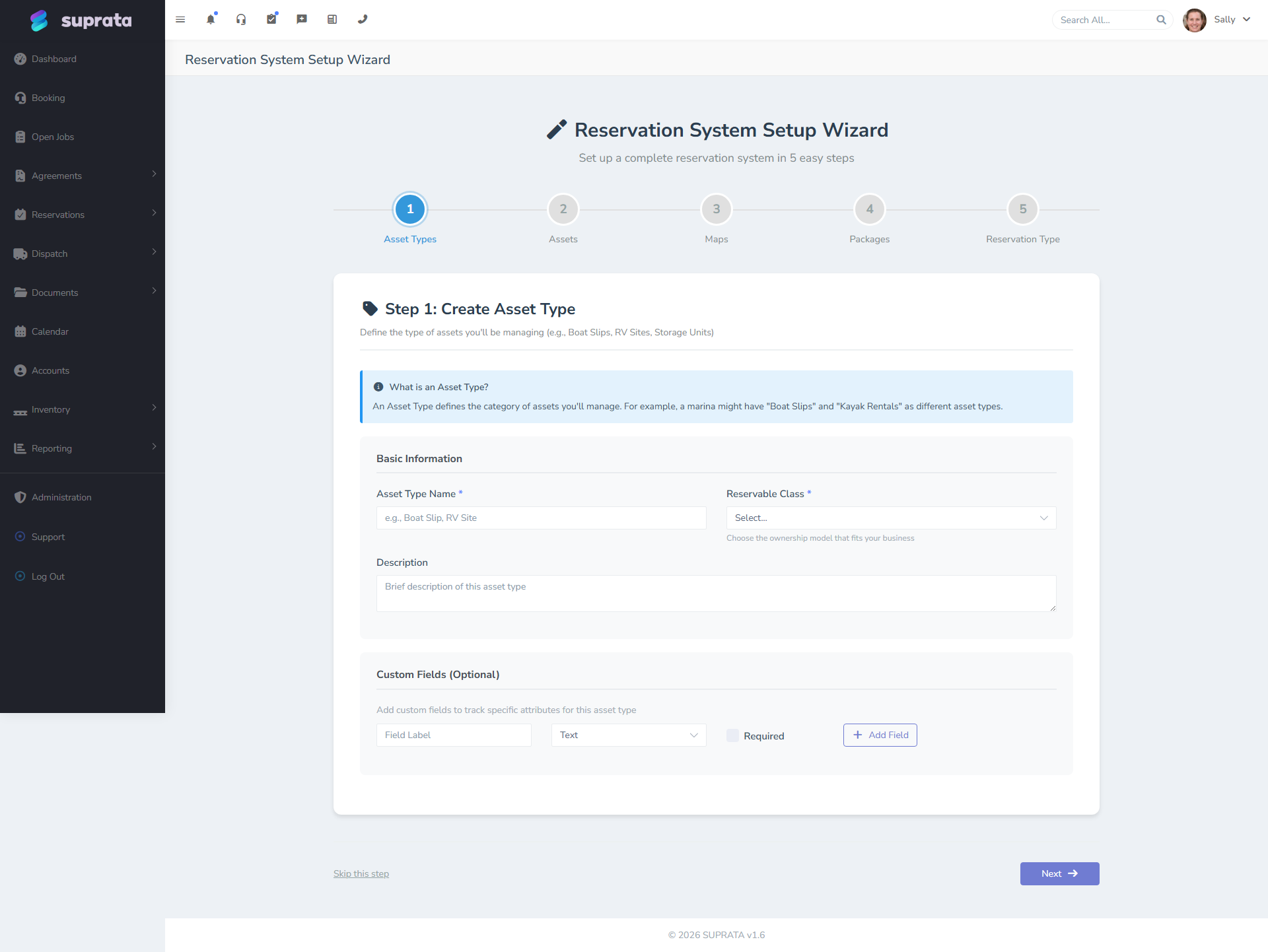
Week 1 — Foundation
Run the setup wizard
Walk through it like the marina path. Set the unit term to "Site" instead of "Slip" if your customers expect that vocabulary.
Define asset types
Typical RV park asset types:
- Full Hookup, 50A, Pull-Through, up to 45ft
- Full Hookup, 50A, Back-in, up to 40ft
- Full Hookup, 30A, Back-in, up to 35ft
- Water/Electric Only, 30A
- Primitive (no hookups)
- Tent Site (small)
- Tent Site (large, group)
- Cabin — Bunkhouse, sleeps 4
- Cabin — Deluxe, sleeps 6
Be specific about hookup amperage and length; those are the primary fit constraints.
If you have monthly-only sites (sites you exclusively rent for 28+ days), make those a different asset type from your transient sites — different pricing, different documents, often different placement on the property. Mixing them creates booking confusion.
Build the property map
Upload an aerial. Draw zones for loops, sections, or named areas. Place each site on the map.
For a campground, the map double-duties as a navigational tool — campers ask "where's site 47?" and the map answers visually.
Create individual sites
For each site, capture:
- Site number / name.
- Asset type.
- Maximum RV length.
- Hookups (the asset type usually defines this; override per-site if exceptions exist).
- Surface and orientation (for filtering on the customer-facing booking flow).
- Map placement.
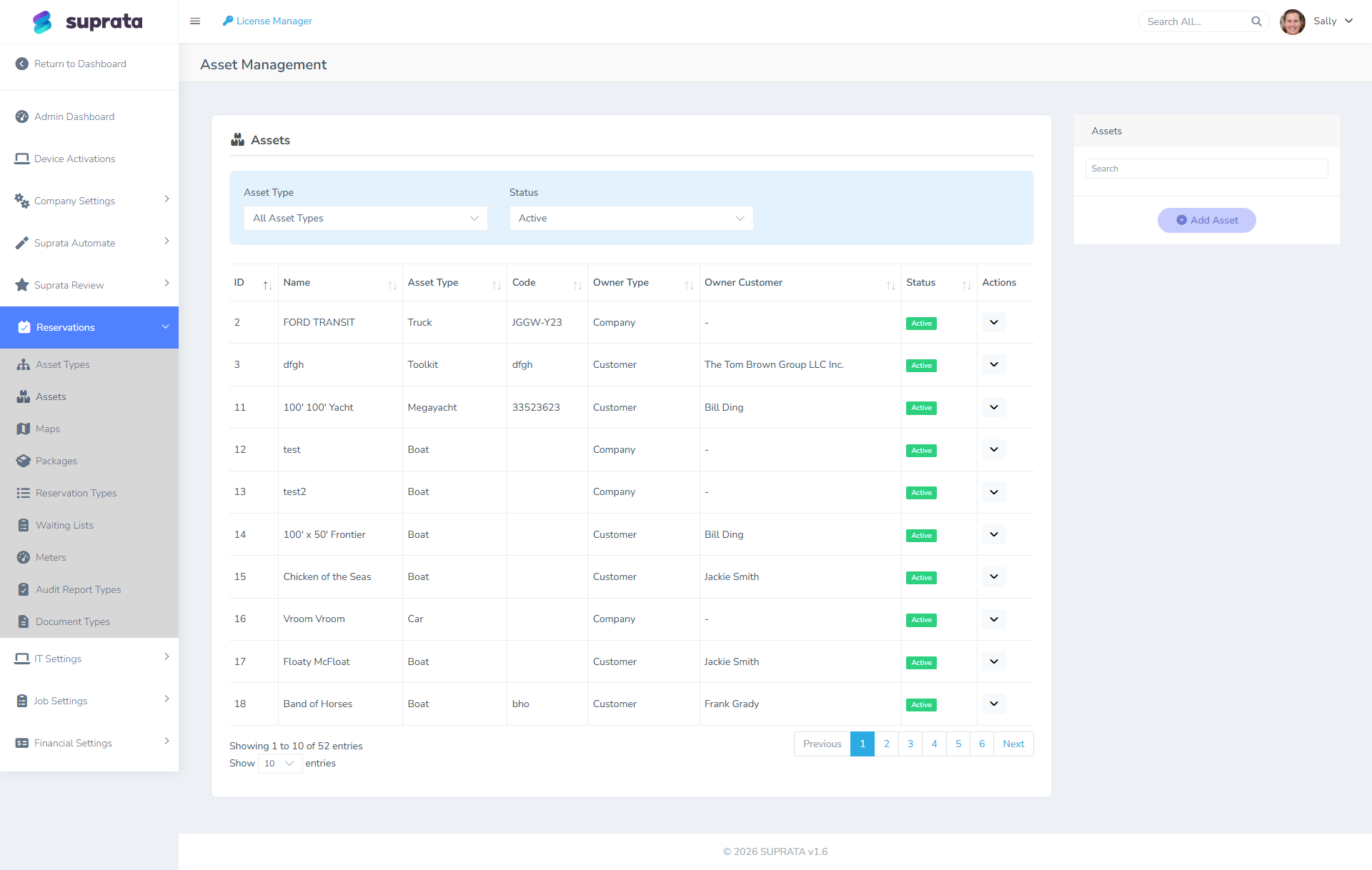
Week 2 — Pricing
Reservation types
Campgrounds typically need:
- Transient (per night) — most bookings.
- Weekly — common discounted package.
- Monthly (28-day or 30-day) — long-stayers.
- Seasonal — full season at a fixed rate.
- Annual — for permanent sites.
Packages
Build packages per realistic combination of reservation type and asset type:
| Package | Pricing |
|---|---|
| Nightly Full Hookup 50A Pull-Through | $65/night, includes electric up to 30 kWh, then $0.18/kWh over |
| Weekly Full Hookup 50A | 6 nights price for 7 nights stay |
| Monthly Full Hookup 50A | $700/month + metered electric + $30 cleaning |
| Seasonal | $3,500 May–Oct, includes electric, includes cleaning |
| Tent Site Nightly | $30/night |
| Cabin Nightly | $145/night, includes linens |
Add-ons handle pet fees, extra vehicles, late checkout.
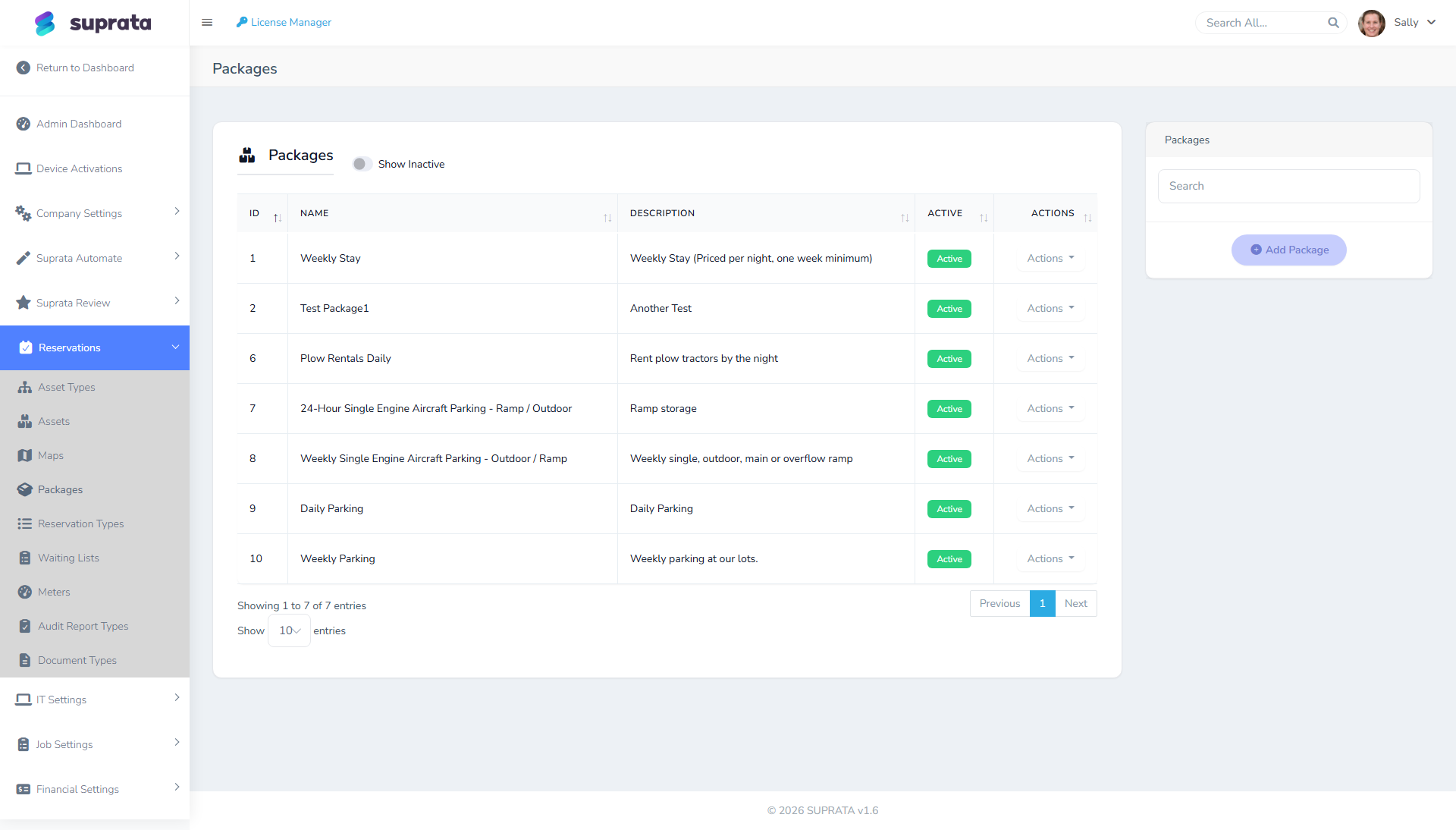
Pet policies and add-ons
Configure pet fees as a package add-on. Typical: $5/night per pet, max 2 pets per site, deposit if breed restrictions apply.
If you absolutely need to capture pet info structurally (breed, weight, vaccination expiry), that's a custom field on the reservation rather than just an add-on.
Required documents per asset type
For monthly and seasonal stays, common requirements:
- Proof of RV insurance.
- Vehicle registration.
- Pet vaccination records (if applicable).
- Income verification (some long-stay parks require this).
Transient stays typically have no document requirements — campers show up, pay, leave.
Week 3 — Operations
Meters
Most full-hookup parks meter electric. Same setup as a marina (see Setting up Suprata for a marina). Configure each site's meter, assign the driver, and let polling do the rest. For monthly+ stays, electric is settled at month-end based on the meter delta.
For weekly and nightly stays, parks usually include up to a threshold (e.g., 30 kWh per night) and bill overage. Configure the package with the threshold; the settlement function handles the math.
Late fees
Less aggressive than marinas — campers often have less recurring billing. Typical:
- Monthly long-stays: $25 flat at 5 days past due, $75 at 15 days.
- Seasonal: 5% per month overdue.
- Transient: not applicable (they pay or they don't stay).
Audit walks
Daily walks for a campground typically check:
- Site occupancy matches expected reservation.
- No abandoned trash, no fire pit issues, no complaints from neighbors.
- Pet visible and within policy.
- Power cord, water hookup, sewer hookup secured (these are common safety issues).
- Documents on file for long-stays current.
A weekly walk is usually deeper, including bath house and amenity inspection.
Week 4 — Settlement, billing, and customer flow
Long-stay billing (settlement)
Configure settlement cadence:
- Monthly stays: settle on the 1st, calculate previous month's electric, bill new month's site rent.
- Seasonal: typically full payment up front, then no settlement during the season.
- Annual: as with marinas, anniversary settlement.
Cabin and rental unit specifics
If you rent cabins, those need housekeeping handling — typically a job created at checkout for the cleaning crew. The reservation closes; a job opens for cleaning; the next reservation can't check in until the cleaning job closes.
This linkage is configurable — talk to support about how you want it. Most campgrounds let the cleaning happen on a back-channel rather than blocking the booking system.
Test end-to-end
Run test bookings for each major flow:
- Walk-in transient: customer pulls up, you create a reservation, take payment, send them to a site.
- Weekly online: customer books from website (if you have public booking), pays deposit, arrives, balance due at checkin.
- Monthly long-stayer: customer commits to a month, deposit collected, mid-stay electric reading auto-bills, end of month settlement.
- Seasonal: full upfront payment, season runs, audit walks happen, end of season the customer leaves.
Train your team
- Camp host / dock attendant equivalent: site assignment, walk-in handling, audit walks, problem-solving.
- Office staff: settlement, late fees, documents, customer service, refunds.
- Maintenance: jobs system for repairs (broken pedestal, water leaks).
Going live
Like with the marina, plan a clean cutover. Mid-season is the worst time; before-Memorial-Day or after-Labor-Day is ideal. If you have monthly+ tenants existing on day-of-cutover, enter their reservations representing their current state — the system needs to know they're there for occupancy and audit-walk purposes.
Common mistakes
Mixing transient and long-stay sites in one asset type. The pricing logic, the document requirements, and the audit-walk routine all differ. Split them.
Not capturing RV length. Site assignment goes wrong; a 45-footer ends up at a 35-foot site, bumper hangs into the road. Capture both site length and rig length, let the booking flow filter.
Pet policies as freeform notes. They get lost. Make them structured (an add-on with a checkbox for "Pet on site? Y/N", number-of-pets field).
Settling monthly tenants manually. The system handles month-end settlement automatically; manual invoicing on top creates duplicates.
Skipping cabin housekeeping linkage. The cabin shows available the moment the previous tenant checks out, even though it hasn't been cleaned. The next booking arrives to a dirty cabin. Either block via job linkage or block via the audit walk routine; don't leave it implicit.
Not running daily audit walks. Same as a marina — issues compound when they're not caught early.