Working with Property Managers (One Contact, Many Accounts)
A property manager calls about a leaky faucet at 1234 Oak St. Tomorrow they call about a broken water heater at 5678 Elm Ave. Next week, a different problem at a third address. Three properties, three owners, three invoices — and one human being you're talking to throughout.
This is the classic property-manager pattern, and Suprata handles it through the Account/Contact split: one Contact (the manager) attached to many Accounts (each property's owner). Get the structure right at the start and twenty rentals are easy. Get it wrong and you spend months untangling.
When you'd use this
- A property management company manages 30+ rental homes you service.
- A facilities manager handles HVAC for a dozen office locations under different ownership.
- A real estate agent calls in service requests on behalf of multiple owner-clients.
- A relative or fiduciary manages service for several elderly family members' homes, each with separate billing.
The mental model
Think of two separate questions:
- Who do you bill? That's the Account — the owner of the property, the LLC, the homeowner.
- Who do you talk to? That's the Contact — the property manager, the human you call and email.
A property manager isn't an Account, because they don't pay your bill — the property owner does. The manager is a Contact who happens to be attached to many Accounts at once.
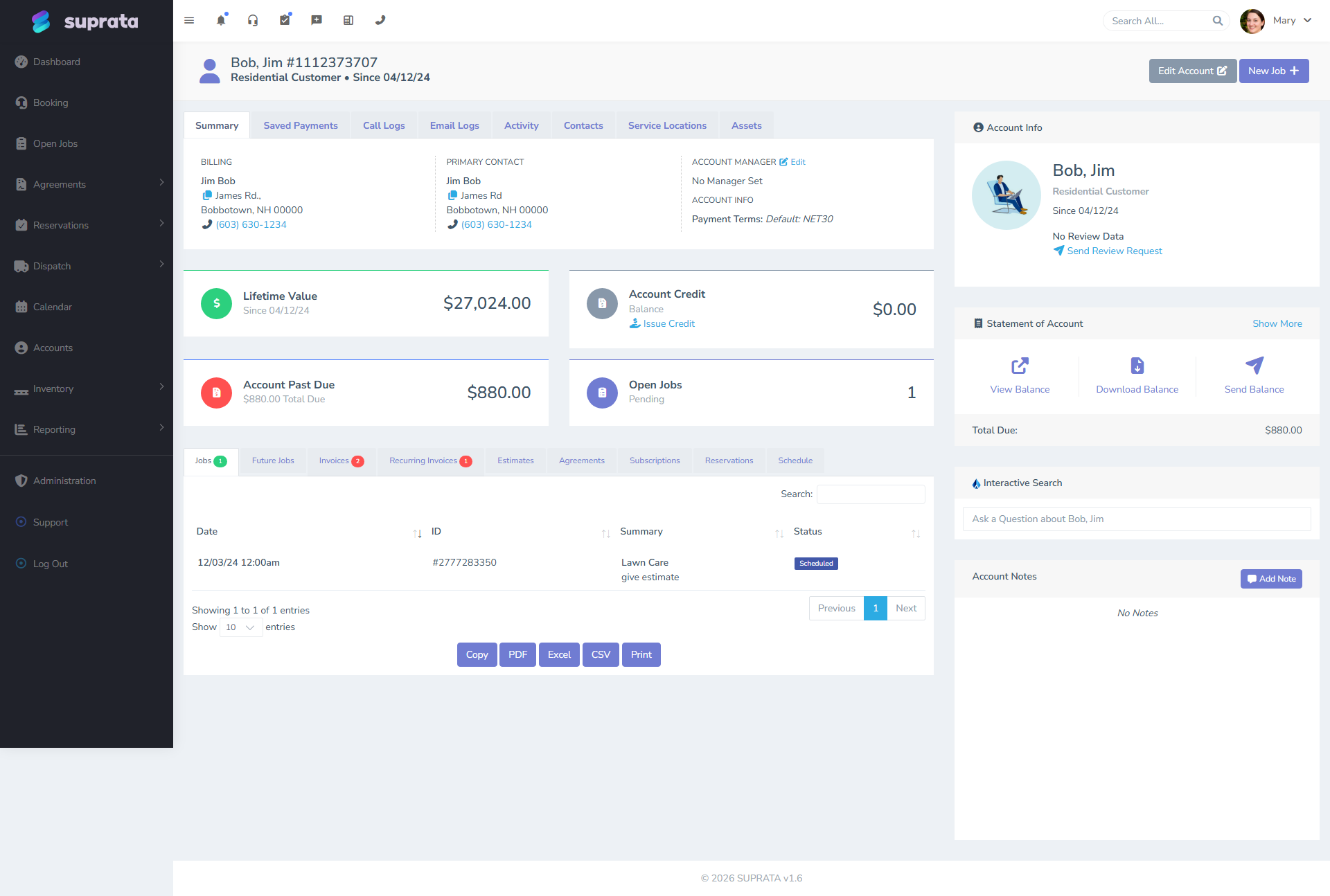
One person can be a Contact on as many Accounts as you need. When you open Sarah's contact record, you see every property she manages listed under her. When you open any one property, you see Sarah in the contact list alongside the property's owner.
If you're new to this distinction, read The anatomy of an Account vs. a Contact first. It's the foundation everything below depends on.
Setting it up — the typical workflow
1. Create one Contact for the property manager
Add Sarah as a Contact: name, phone, email, employer (if relevant). Tag her Property-Manager so she's easy to find later (see Tagging accounts and contacts well).
Don't create an Account for "ABC Property Management" unless you're also going to bill ABC directly for some service (e.g., a maintenance retainer to the management company itself). If ABC doesn't pay you, they don't get an Account.
2. Create one Account per property
Each rental home or each owner gets its own Account. The Account's billing name and address are the owner's — Sarah's mailing address goes on Sarah's contact record, not on each owner's account.
For each Account:
- Account Type: usually Residential if owner-occupied has changed to a rental, or whatever your office uses.
- Billing name and address: the owner's, or the management company if owners have authorized billing through them.
- Default terms: per the management contract.
3. Attach Sarah as a contact on each account
Open each of Sarah's owners' Accounts and add Sarah as an additional Contact. The owner is typically still listed (and often still the primary contact — see "Who's primary?" below). Sarah is a secondary contact on each.
4. Decide who's primary
The primary contact is whose name shows up on Account-level lists, who gets system-generated emails by default, and who appears in the breadcrumb. Two patterns work:
- Owner primary, manager secondary. Best when invoices go directly to the owner, and the manager is just the operational point of contact. The owner sees their own name on their statements; Sarah is on the call list.
- Manager primary, owner secondary. Best when the management company handles all billing — invoices, statements, and payments flow through Sarah, and the owner just owns the property in the background.
Pick consistently across all the properties Sarah manages, so your team knows what to expect.
5. Set up email routing
If you want all invoices for Sarah's properties to go to Sarah even when the owner is the primary contact, you have a few options:
- Tag Sarah's contact
AP-Contactand configure your invoice email rules to send to anyone with that tag. - Set the owner's primary email to a forward that copies Sarah.
- (Cleaner): make Sarah primary so she gets the email by default, and put the owner's email in a CC field if your version supports it.
Whatever you choose, document it on each Account in a note ("Invoices to Sarah; owner CC'd") so the next dispatcher doesn't second-guess.
The pattern in practice
A typical day with Sarah managing three properties:
-
Sarah calls about a furnace at 1234 Oak St. Dispatcher searches for "Sarah" or "Oak St" — finds Sarah's contact, sees her three Accounts, picks the right one (1234 Oak owned by the Smiths). Job created on the Smiths' Account, with Sarah as the on-site contact.
-
Tech goes out, completes work, generates invoice. Invoice is to "Smith, John" (the Account/owner) at the Smiths' billing address.
-
Email goes to Sarah (per the routing rule), not to the Smiths directly. Sarah reviews and either pays from a management trust account or forwards to the Smiths.
-
Statement at month-end shows the Smiths' balance for their property only — Sarah isn't conflated with anyone else's billing.
If, instead, you'd put all of Sarah's properties under a single Account named "Sarah's Properties", you'd have:
- One bill that covers three different owners (a real problem at tax time and at title transfer).
- No way to send a property-specific statement to the owner.
- A nightmare when one owner sells and Sarah no longer manages that property.
The one-Account-per-property structure costs a few extra minutes upfront and saves dozens of hours later.
Gotchas
When ownership changes
Property gets sold. New owner, same manager.
The right move: edit the existing Account, change the billing name and address to the new owner. Sarah stays attached. Job and invoice history stays linked to the property, not to the previous owner.
The wrong move: create a brand-new Account for the new owner. You've split the property's history across two records.
A note: some businesses prefer to retire the old Account and create new — for tax/audit cleanliness. That's defensible, but you lose continuity. Pick a policy and stick to it.
When the manager changes
Property changes hands between management companies. Same owner.
The right move: remove the old manager's contact from the Account, add the new manager's contact. Owner stays primary; manager updates.
If you want a record of the change, leave a dated note: "[2026-03-15] Switched from ABC Property Mgmt to XYZ Property Mgmt. New contact: Tom Lopez, tom@xyz.com."
When the manager calls about a property they no longer manage
Sarah calls about 1234 Oak — but you removed her from that Account two months ago. The dispatcher searches "Sarah" and sees only her current properties.
If your team often handles transitions, leave Sarah on the old Account as a "secondary historical" contact for 30 days, with a note. After that, remove cleanly.
When the owner is unreachable
Owner is overseas, doesn't answer email, only Sarah talks to you.
That's fine — Sarah is your operational contact. Make sure billing is correct (does Sarah have authorization to pay from a trust account, or does the bill have to go to the owner anyway?). Document the arrangement on the Account.
Marketing and reporting
When you run a list of "all customers", do you want each property as a row, or each owner as a row, or each manager as a row?
- "All customers" by Account = one row per property. This is your default and usually what you want.
- "All people we work with" by Contact = one row per human, including each owner and each manager. Sarah shows up once, even though she touches 30 properties.
- "Customers by manager" = pull up Sarah's contact, see all 30 of her properties at once.
Use the Contacts list for the second and third views.
Common mistakes
- One big Account for the whole management company. Looks tidy. Becomes a billing nightmare when even one property changes hands or has a unique payment arrangement. Don't do this.
- Creating Sarah-the-manager as the Account name. Sarah doesn't pay your bills. Her property owners do. The Account name should be the owner.
- Putting Sarah's address on every owner's Account. That's not the owner's billing address. Use the owner's address; Sarah's is on her contact record.
- Forgetting to update the manager when property changes hands. Old manager keeps getting service calls for properties they no longer have. Update on transfer.
- Tagging only Sarah's contact, not the Accounts. If you want to filter "all properties Sarah manages", you tag the Accounts with
Manager-Sarah(or use her contact link directly). Tagging only Sarah doesn't make her properties findable from the Accounts list. - Assuming the manager has authority for everything. Sarah may be authorized to schedule but not to approve work over $500. Note authority limits on the Account so dispatchers know when to escalate to the owner.