Estimates vs. Drafts vs. Quotes
The words estimate, quote, and draft get used interchangeably in casual conversation. In Suprata they mean three different things, and confusing them leads to invoices going out before they should, customers getting documents that don't represent commitments, and reports that don't add up.
This article spells out what each one is, when to use it, and how the conversion flow works.
The actual distinction
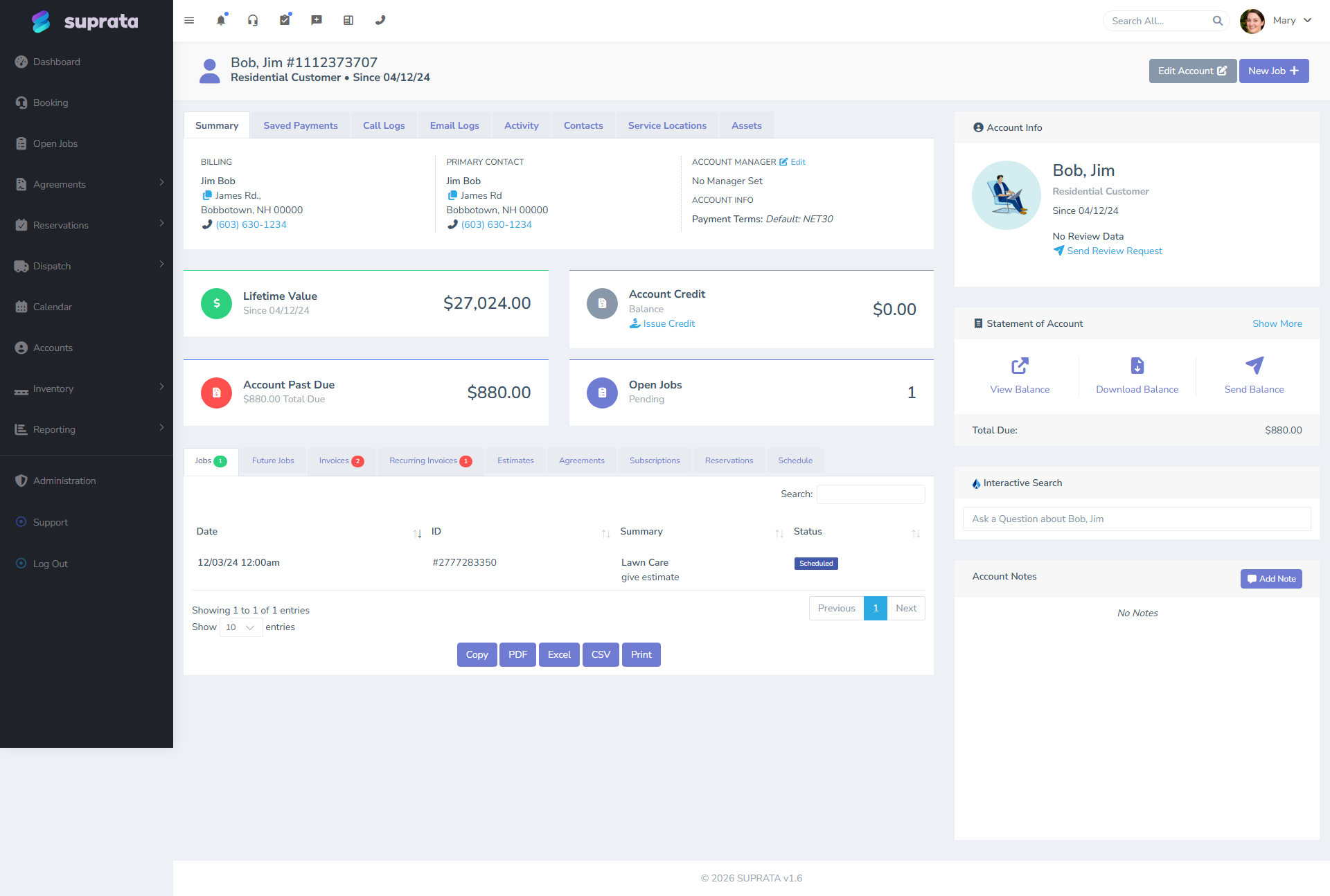
- A draft invoice is an unfinished, unsent invoice. It exists in the system, has line items, but isn't yet ready to share with the customer. Drafts are private — staff-only.
- An estimate is a customer-facing document that says "here's what this work will cost." It's intended to be sent for approval. When the customer approves it, it converts to a real invoice.
- A quote is, in Suprata's vocabulary, the same thing as an estimate. The terminology varies by industry — service businesses say "estimate", construction and IT often say "quote" — but the underlying record is identical.
That last point trips people up: quote and estimate are the same thing in this software. They share a record type, a flow, a conversion path. Use whichever word your customers expect on the document.
When you'd use each
Use a draft invoice when
- You're preparing the bill while the work is still happening and don't want to lock anything yet.
- You're building up an invoice across multiple sessions (added a line item today, will add more tomorrow).
- A tech is on-site adding parts and labor to the invoice via mobile, but the office hasn't reviewed it yet.
- You want a number that might become an invoice, but you're not committing to it.
The key property of a draft: it has no expectation of customer interaction. The customer doesn't see it. The customer can't approve it. It's an internal staging state.
Use an estimate (or quote) when
- The customer hasn't agreed to the work yet, and you want them to see the price first.
- You need an electronic signature before proceeding (e.g., the work exceeds a threshold the customer authorized verbally).
- You're sending a formal proposal for a larger job.
- You need a written commitment from the customer before ordering parts or scheduling.
Estimates have a public link the customer can open without logging in, see the line items, and click "approve". On approval, the estimate converts to an invoice — the line items, taxes, and totals carry over, and the resulting invoice has a record back to the source estimate.
Use the word "quote" when
- Your industry uses that word and your customers will look at the page header and trust it more.
You can usually rename the document on the customer-facing template. The internal record stays the same.
How the conversion flow actually works
Estimates and invoices in Suprata are close cousins — they hold the same kinds of line items, taxes, and totals, and converting one into the other carries everything across without re-typing.
The typical lifecycle:
- Create the estimate. Start from an account or a job, build the line items.
- Send it. Email or SMS with a public link. The customer doesn't need to log in.
- Customer reviews and approves. They click approve and (optionally) sign. The signature, signer name, and date are stored on the record.
- System creates the invoice. A new invoice row is generated with the same line items. The original estimate is marked as converted.
- You can now schedule and do the work.
If the customer declines or never responds, the estimate stays in its "pending" state. It doesn't auto-convert. You can resend, edit, or void it.
Drafts are not a separate document type
This is the source of half the confusion. Suprata doesn't have a separate "draft" record alongside estimates and invoices. A draft is just an invoice that hasn't been finalized yet — it's an invoice with line items that's still editable, hasn't been emailed to the customer, and hasn't been locked or closed.
So the lifecycle of a non-estimate invoice is:
- Created — exists, editable, internal.
- Sent — emailed/printed for the customer; still editable.
- Closed — finalized and locked; if you've connected QuickBooks, this is when the invoice flows over.
- Paid — payment(s) received and applied.
- (Void) — cancelled if needed.
People say "draft" when they mean the invoice is in step 1. It isn't a separate document type — it's just an invoice you haven't sent yet.
A typical decision tree
You're sitting at a job that's about to wrap. Which document do you create?
- The customer hasn't approved the price yet. → Estimate. Don't surprise them with an invoice for a number they haven't agreed to.
- The customer approved the work verbally and you're billing what was discussed. → Invoice. Send it as soon as the work's done.
- The work is complex and you'll be adjusting line items over the next few days. → Invoice (draft state — don't send yet). Or, if you want the customer's eyes on it before finalizing, an estimate.
- You're proposing optional add-ons the customer might want. → Estimate, with the optional items listed. The customer picks what they want, you adjust, then convert.
The "approved estimate" trap
When an estimate is approved, the resulting invoice is not automatically sent. The customer approved the work; they haven't been billed yet. Conversion produces a new invoice, but that invoice still needs to be sent (or marked closed and emailed, depending on your flow).
This sometimes confuses customers: "I approved the estimate, why am I getting a second email?" The answer is that the second email is the actual bill. The two are intentionally separate — approval is the customer agreeing to the price, billing is what happens after the work is done. Keeping them as two steps is what lets you do the work in between.
If you want approval to immediately produce a sent invoice, you can configure the email template to fire on convert. Most businesses don't, because they want to verify the work was done first.
Common mistakes
Sending an estimate when you mean to send an invoice. The customer sees "Estimate" at the top of the document and treats it as optional. They don't pay it. Three weeks later you wonder why your A/R is bloated. Look at what document type you're actually sending.
Sending an invoice when you mean to send an estimate. Worse: the customer thinks you're billing them for work they didn't authorize, gets angry, and you eat the cost or backpedal awkwardly. Always send an estimate first if there's any chance the customer will dispute the price.
Treating drafts as a workflow stage with rules attached. It's not. A draft is just an invoice you haven't sent. If you find yourself building reports or automations on "drafts vs sent invoices", you're probably modeling something else (e.g., approval workflow) that should live in a different mechanism.
Trying to edit a closed invoice. Closed invoices are locked — that's the point of closing. If you need to change one, void it and issue a new one, or issue a credit memo against it.
Letting estimates pile up indefinitely. Old un-approved estimates clutter reports and hide pipeline visibility. Periodically sweep through stale estimates: contact the customer, void if dead, convert if alive.
Renaming "estimate" to "quote" on some templates and not others. Customers get one document called a "quote" and a follow-up email called an "estimate" and wonder if they're the same thing. Pick one term per business unit and stick with it.